AI & Visual Culture
How AI Is Changing Color Grading in Video (And 5 Tools Worth Trying)
Color grading used to be the part of video post-production that ate entire weekends. It demanded a trained eye, a calibrated monitor, and the patience to pus...
Color grading used to be the part of video post-production that ate entire weekends. It demanded a trained eye, a calibrated monitor, and the patience to push wheels and curves until every clip felt like part of the same story. Today, AI is quietly rewriting that workflow. Machine-learning models can now balance exposure, match shots from different cameras, and apply a cohesive look in seconds — leaving you free to focus on the storytelling.
For wedding filmmakers, content creators, and event videographers, this shift is a game changer: faster turnarounds, more consistent results across long edits, and a smart starting point that beats hours of manual correction. In this guide, we'll break down what AI color grading actually does, where it shines, and five tools worth knowing about right now.
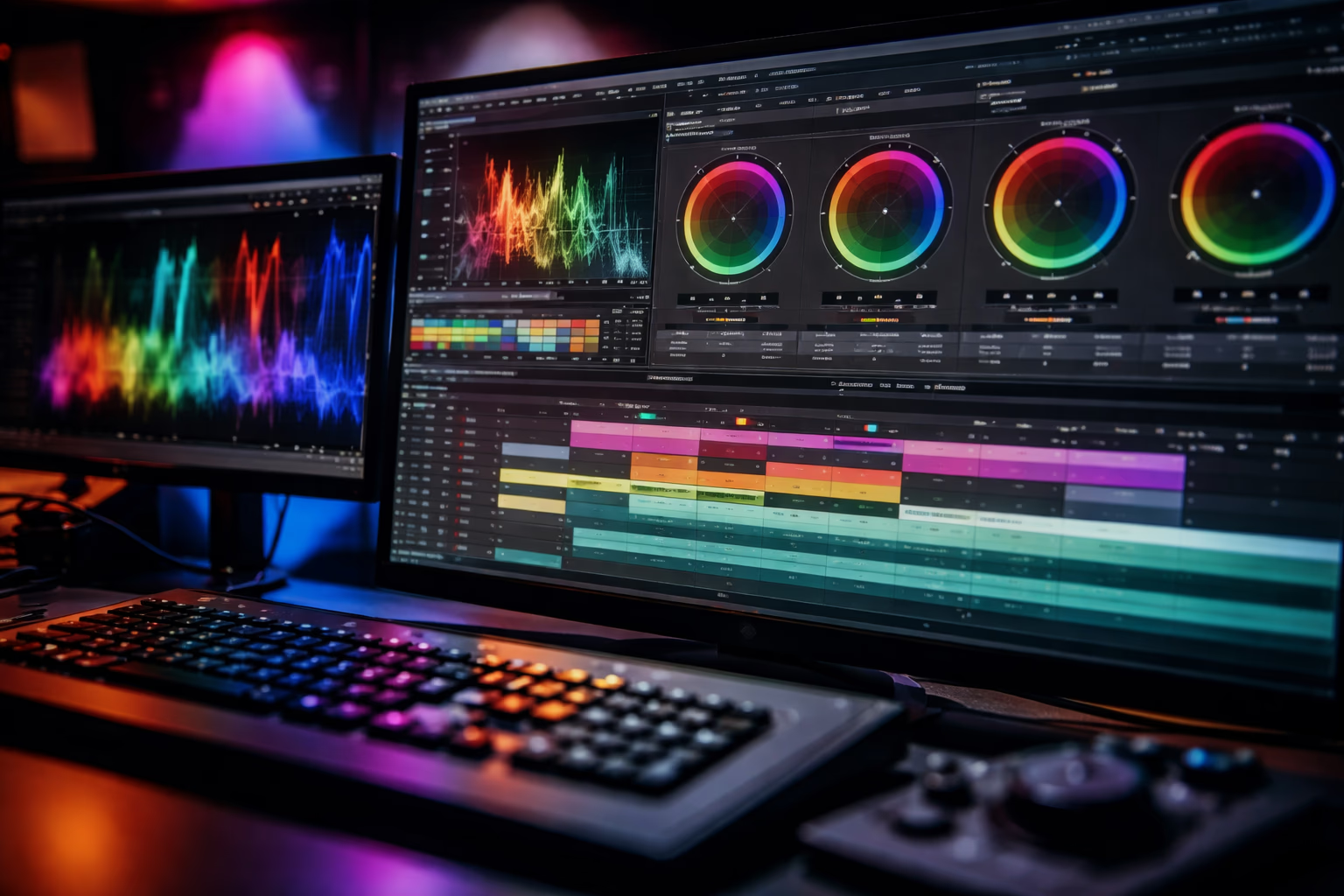
What AI Color Grading Actually Does
At its core, AI color grading uses computer vision to analyze your footage and automatically adjust exposure, contrast, white balance, and saturation across an entire timeline. Some tools also detect skin tones, sky regions, or specific scenes and treat them differently — so a beach clip and an indoor reception clip can both end up with a unified look.
This isn't a replacement for a senior colorist with a stylistic vision. What AI does best is the technical heavy lifting: balancing inconsistent lighting, matching shots filmed on different cameras, and giving you a polished base to refine.
Where AI grading shines:
- High-volume work like weddings, corporate reels, and event recaps
- YouTube and social content where speed beats subtlety
- Multi-camera projects that need a unified palette fast
- Run-and-gun shoots where lighting changed between every clip
Where it still falls short:
- Highly stylized, artistic looks
- Subtle creative choices like a specific film emulation
- Scenes with mixed lighting that confuses scene detection
- Final polish — most editors still review and tweak the AI's output
5 AI Color Grading Tools Worth Considering
1. Imagen Video
Imagen Video is an AI-powered grading tool that analyzes footage frame-by-frame and applies consistent exposure, contrast, and color balance across clips. It plugs directly into Adobe Premiere Pro and can work with creator LUTs so the result still reflects your style.
- Best for: wedding filmmakers and content creators
- Pros: automatic balancing, fast workflow, integrates with Premiere
- Cons: still in public beta, requires Premiere Pro
2. DaVinci Resolve
DaVinci Resolve remains the gold standard for serious color work, and its AI-assisted features quietly add automation on top of professional manual controls. Resolve can detect scenes, balance clips, and assist shot matching while still giving you full power-window and node-based control.
- Best for: filmmakers who want both precision and automation
- Pros: deep grading toolset, reliable AI shot matching
- Cons: steeper learning curve, paid Studio version for full features
3. Adobe Premiere Pro Auto Color
Premiere's built-in Auto Color feature analyzes a clip and applies sensible exposure and white-balance adjustments. Combined with Adobe's color management for log and raw footage, it's a reasonable starting point for editors already living in the Adobe ecosystem.
- Best for: Adobe subscribers
- Pros: native to your timeline, no extra app needed
- Cons: less advanced than dedicated grading tools
4. Colourlab AI
Colourlab AI is a standalone and plugin-based tool that works inside Resolve and other NLEs. It's purpose-built to match clips quickly using machine learning — ideal for indie filmmakers and YouTubers who want polished results without grading from scratch.
- Best for: indie filmmakers and YouTube creators
- Pros: strong AI matching, LUT support across editors
- Cons: subscription only, still benefits from human review
5. Final Cut Pro Color Inspector with AI Match
Apple's Final Cut Pro added smarter color matching that lets you sync the look of one clip across an entire timeline with a click. It's not as deep as Resolve, but for Mac-based creators it's fast and tightly integrated.
Practical Tips for Using AI Color Grading
- Start with consistent footage. AI tools work best when exposure and white balance are reasonably close in-camera.
- Use AI for the base correction first. Let the tool balance shots, then refine creatively on top.
- Watch your skin tones. AI sometimes overshoots saturation; pull back highlights and check faces under different lighting.
- Stay inside your NLE when possible. Tools that integrate directly with Premiere or Resolve cut down on round-tripping and re-rendering.
- Save your own LUTs. Once you've graded a project you love, export a LUT so future jobs start from your house style instead of generic AI defaults.
Common Mistakes to Avoid
- Trusting AI grading on heavily mixed lighting without manual review
- Forgetting to color-manage your timeline (REC.709 vs log vs HDR)
- Over-saturating after the AI already pushed the file
- Skipping a calibrated monitor — even great AI looks wrong on an uncalibrated screen
Final Thoughts
AI color grading isn't going to replace skilled colorists, but in 2026 it's more than good enough for most filmmakers — especially anyone shooting weddings, events, branded content, or YouTube videos where speed and consistency matter as much as artistry. Used wisely, these tools give you back hours of every edit so you can focus on storytelling, pacing, and the creative choices that actually move viewers.
FAQ
Is AI color grading good enough for professional client work? For weddings, events, corporate reels, and most branded content, yes — provided you review and fine-tune the result. For high-end commercial or narrative work, AI is usually a starting point, not the final pass.
Do I need a calibrated monitor to use AI grading tools? You should. The AI may produce a technically balanced image, but if your screen is off, your final export will still look wrong on a properly calibrated viewer's display.
Will AI grading work with log or raw footage? Most modern tools handle log profiles like S-Log3, V-Log, or LogC and convert them automatically. Raw footage usually needs an initial color-space transform before AI grading is applied.
Can AI match clips from two different cameras? Yes — that's one of the strongest use cases. Tools like Colourlab AI, Resolve's color matcher, and Imagen Video can unify cameras with very different color science remarkably well.
Should I still learn manual color grading? Absolutely. AI handles the technical work, but creative choices — mood, contrast curves, stylistic looks — still come from a trained eye. The best results come from photographers and editors who understand color and use AI to move faster, not skip the fundamentals.